RAMS publishing and release management
Prepare the website release
Open RAMS → ↥. The Deployment Manager is an inline RAMS panel. Finish the site content and test desktop/mobile previews before creating a release. Save profiles with the project; credentials remain on the installation.
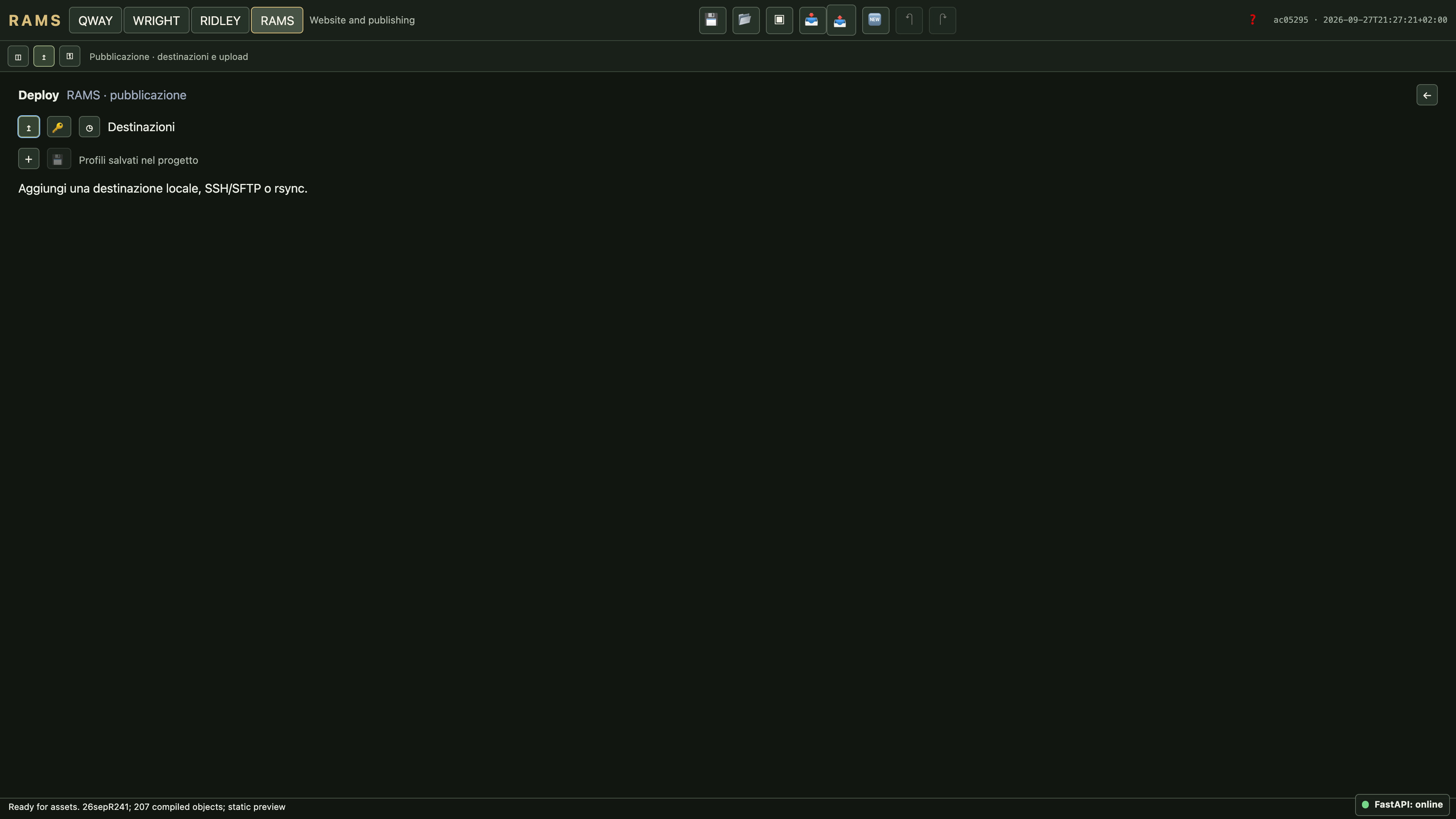
- Add a destination profile. Set its name, transport, host/user where applicable, destination directory and release strategy.
- Use the form or Monaco source editor. Source stores non-secret profile configuration and credential references only.
- Apply the profile, then save it with the project. Resolve invalid drafts and missing credential references.
- Test the connection. For a new SSH host, compare the fingerprint through a trusted server channel before accepting it.
- Run a dry run to build, validate and inspect connectivity without activating a release.
- Deploy and wait for verification, transfer, activation and any configured HTTP health check. Read the final job status, not only the upload percentage.
Supported destinations
| Transport / strategy | Behaviour |
|---|---|
| Local | Writes beneath the allowed export roots; default QUAY_DATA_DIR/exports. |
| SSH / SFTP | Uses verified host identity; atomic activation requires the required POSIX rename capabilities. |
| rsync | Requires rsync on both hosts; supports incremental transfer to a managed release. |
| Atomic release | Creates a verified release and switches destination/current; point the web root there. |
| Directory / SFTP-only | Creates a fresh release directory without switching a live pointer. |
| FTP / FTPS / SCP / custom | Reserved or unavailable in the current milestone. |
A connection test can create and remove a temporary write probe. Dry run is not publication. The manager does not provision DNS, TLS or a web server and does not execute arbitrary remote installer scripts.
Credentials and portability
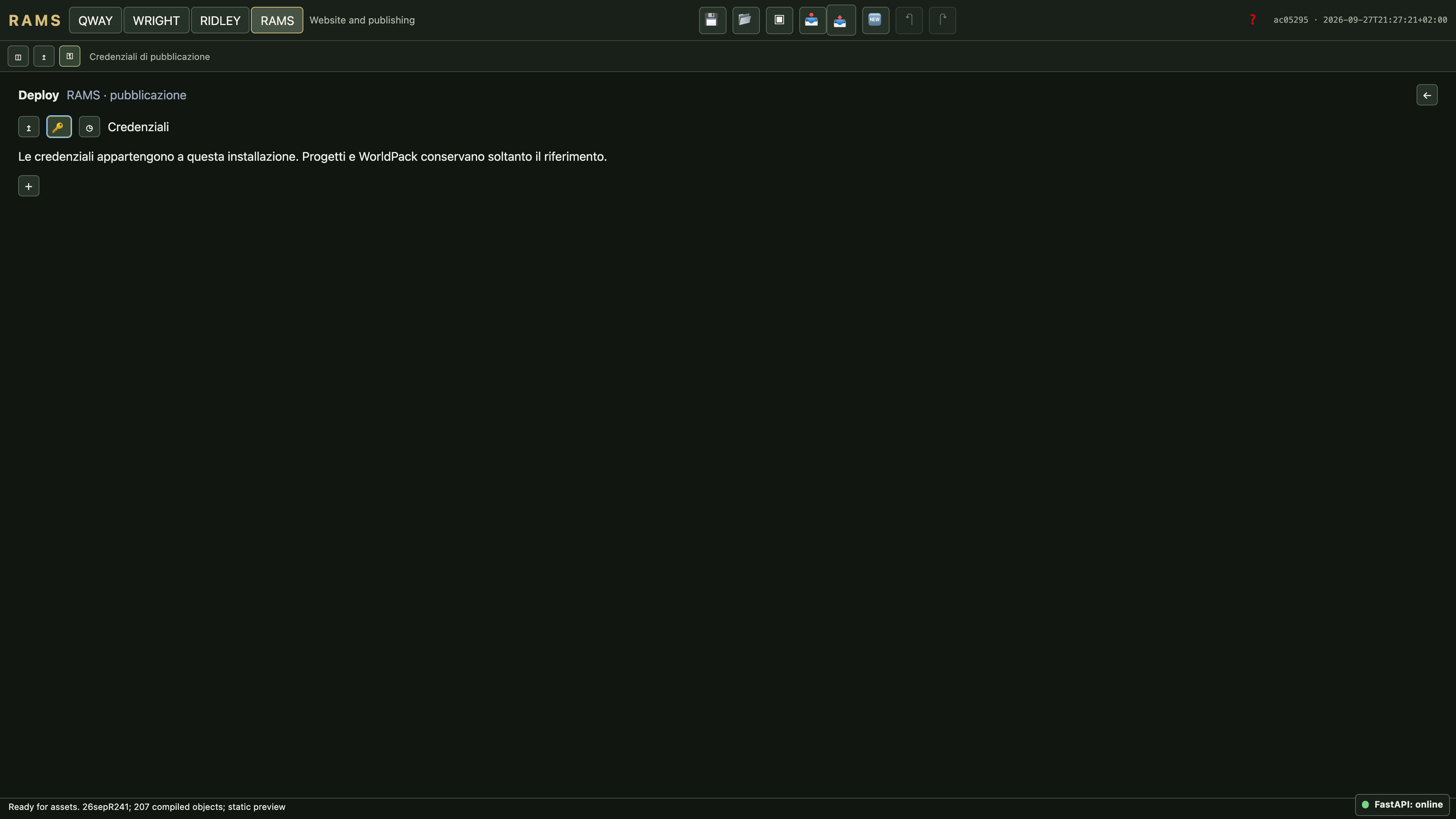
Use ⚿ to configure a credential once, then refer to it from profiles. Supported storage is a native keyring or an encrypted server vault with a separately supplied master key. Imported projects retain references and report missing credentials; they do not contain a copy of the secret.
Changed SSH fingerprints block publication. Verify a real key rotation rather than accepting the change to suppress an error. The production Studio restricts publishing and the installation vault to its superadministrator.
Health checks, cancellation and rollback
History shows job progress and sanitized failures. A configured HTTP health check tests the activated release; a failed check restores the previous pointer. No configured health endpoint means “not configured”, not a successful live-site test.
Cancel stops work before activation. Once activation begins, health checking and possible restoration must finish. Rollback selects a retained, verified managed release. Cleanup removes only recorded managed releases, not arbitrary directories on the host. Jobs interrupted by an editor restart are marked interrupted.
Publish extracted files manually
worldpack verify site.worldpack
worldpack install site.worldpack -o public-site
Choose a new output directory, then upload its complete contents to a static HTTP(S) host. Include index pages, runtime scripts, manifest.json, desktop/, mobile/ and shared/ resources. Visitors normally load the extracted site over HTTP, not the ZIP archive. Do not upload only the desktop directory or strip hashed filenames.
Test the entry URL and a direct room URL, both device profiles, audio consent, content links and the configured contact endpoint. Keep the previous complete release until the new one is verified.