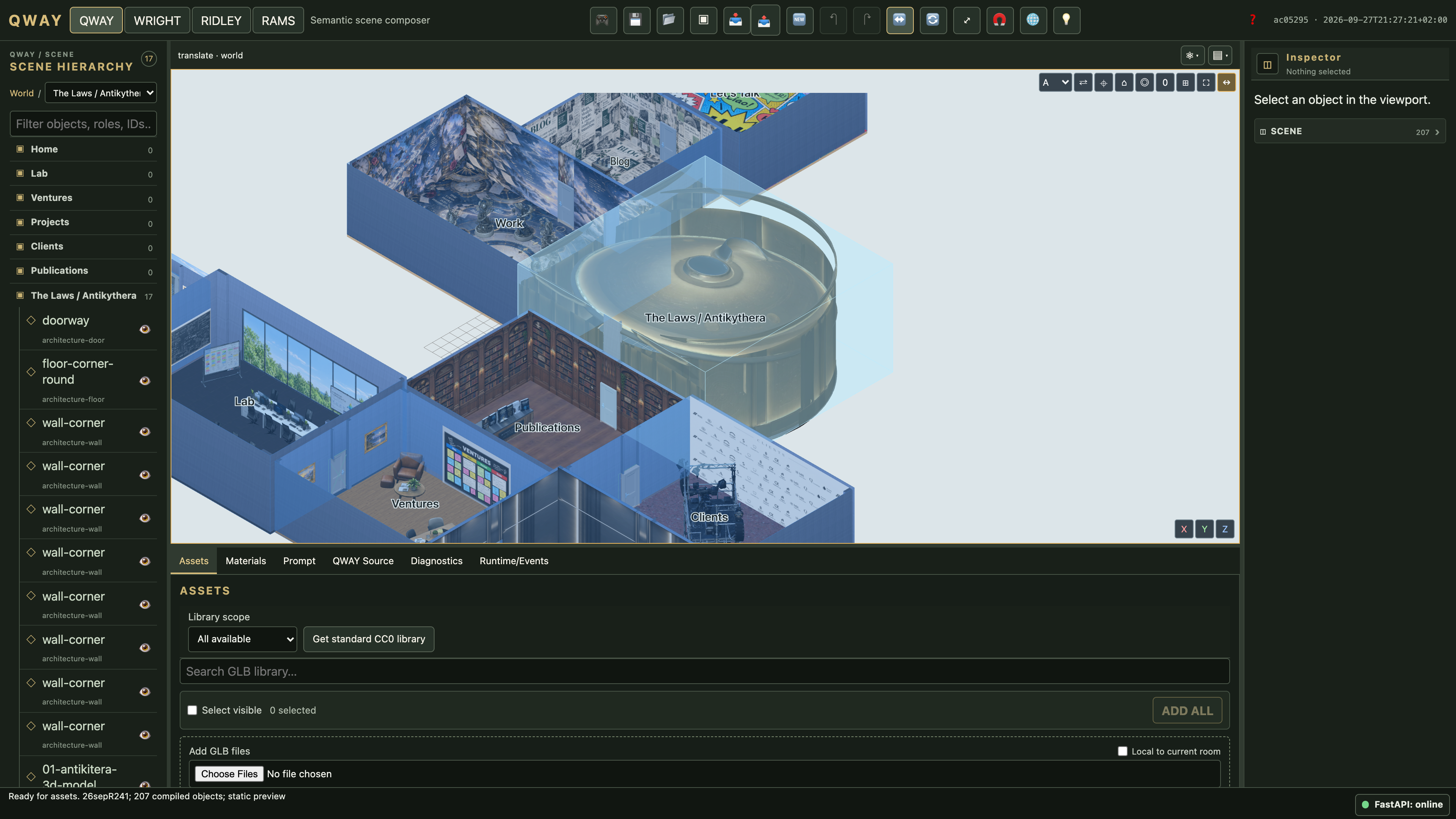
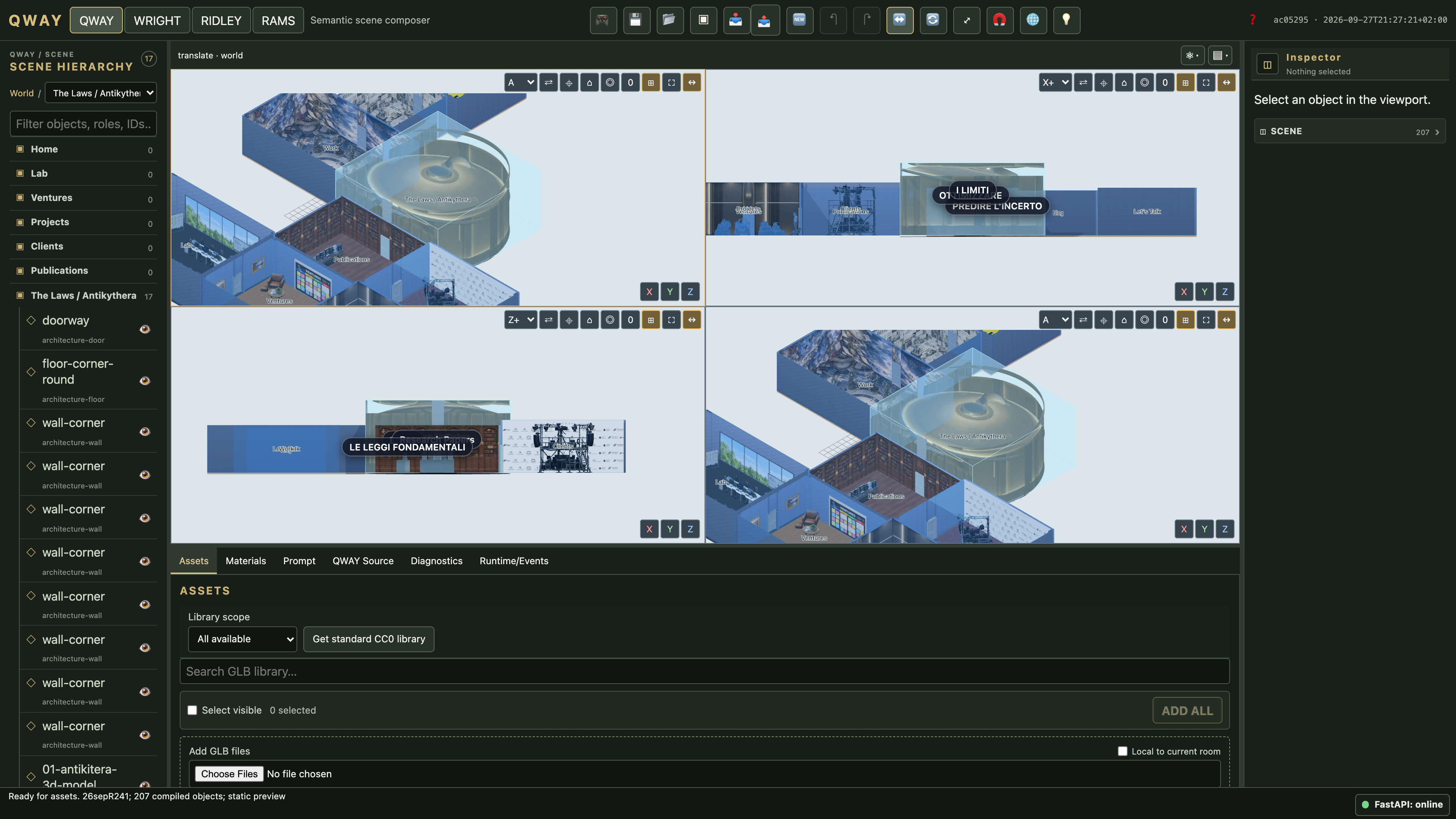
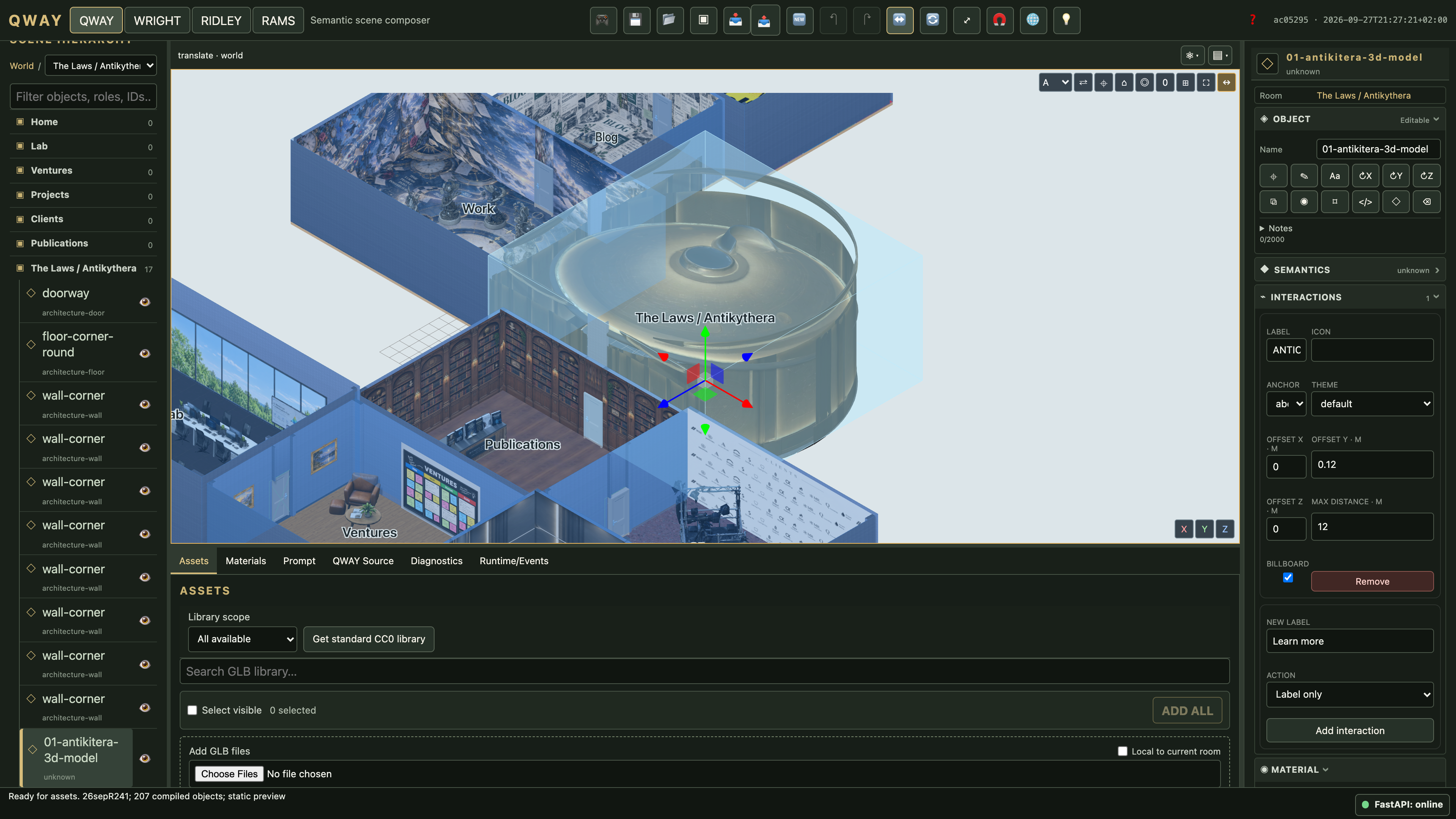
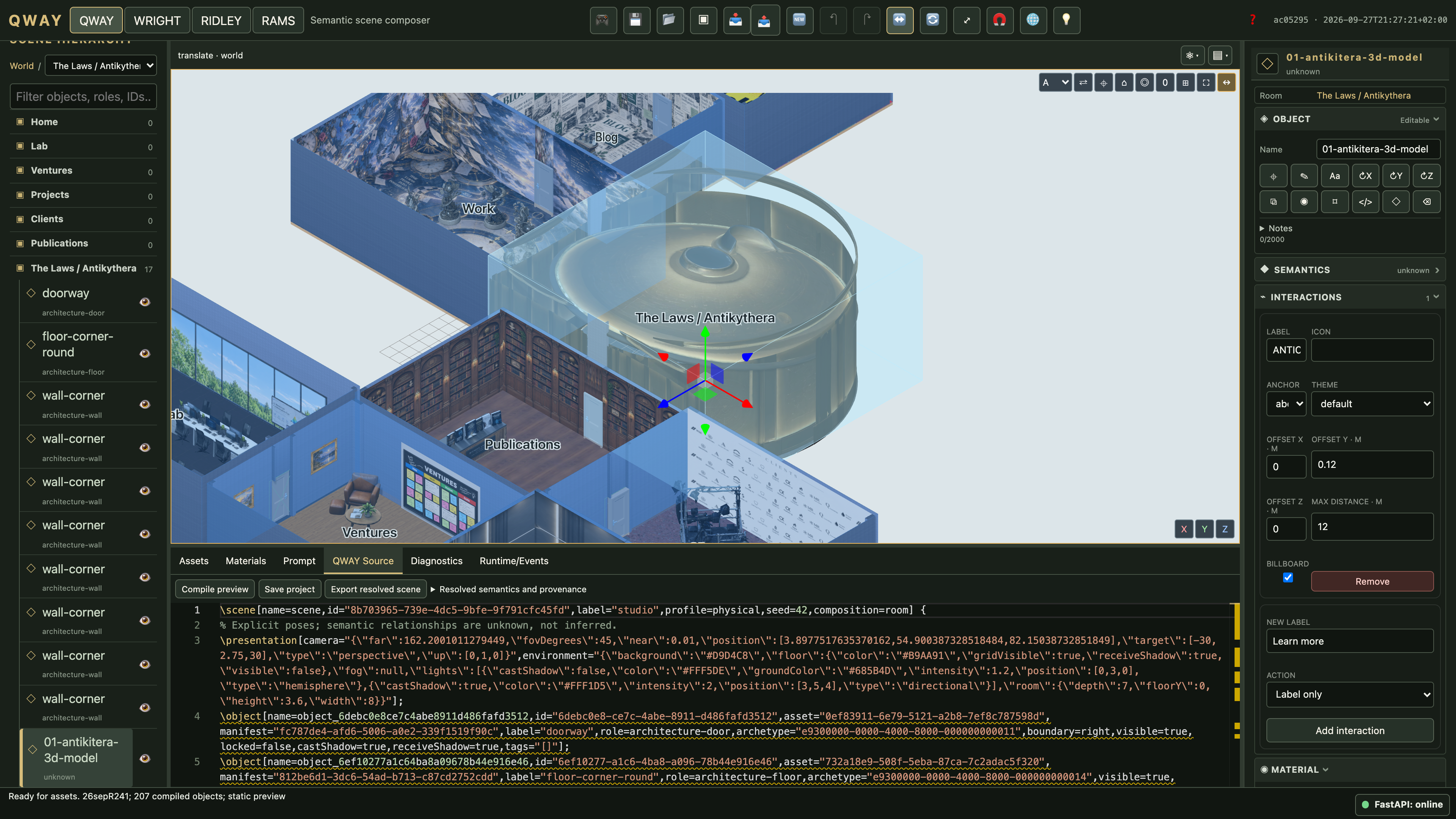
These screenshots show an authorized isolated copy of the Laurelli project that was open in Studio: 207 objects across ten rooms. They are actual browser captures at 1920 × 1080 CSS pixels and device scale 2, producing 3840 × 2160 PNGs. They are not generated illustrations or enlarged low-resolution images.
The original project is not modified by capture. Each view is allowed to finish requests, fonts, model decoding and rendering and is visually reviewed. The manual is in English; original project text and existing localized interface labels are retained in the images. Click any image to inspect its full resolution.
The separate WQ-Bench gallery and downloadable compiler examples remain public test fixtures. The project’s source models and private working archive are not included in this documentation.
QWAY workspace
The open Laurelli project, with 207 compiled objects across ten rooms. Open 4K image
Four synchronized views
Four viewports share the same project and selection; each orientation can be changed independently. Open 4K image
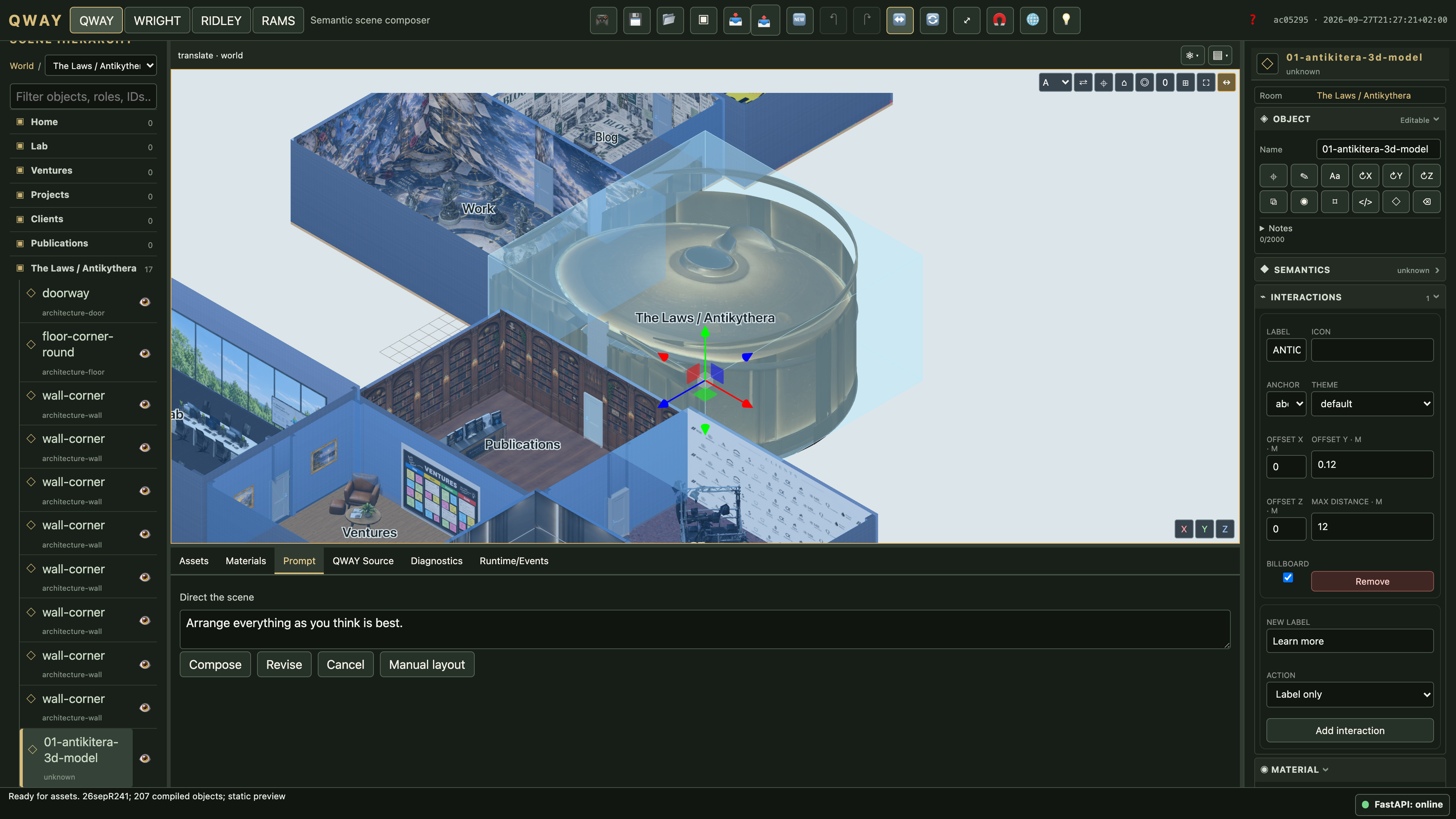
Object inspector
Selecting an object exposes its properties and interactions in the right inspector. Open 4K image
QWAY Source
The current project source and compilation controls. Open 4K image
Scene prompts
Prompt controls operate on the current scene. Open 4K image
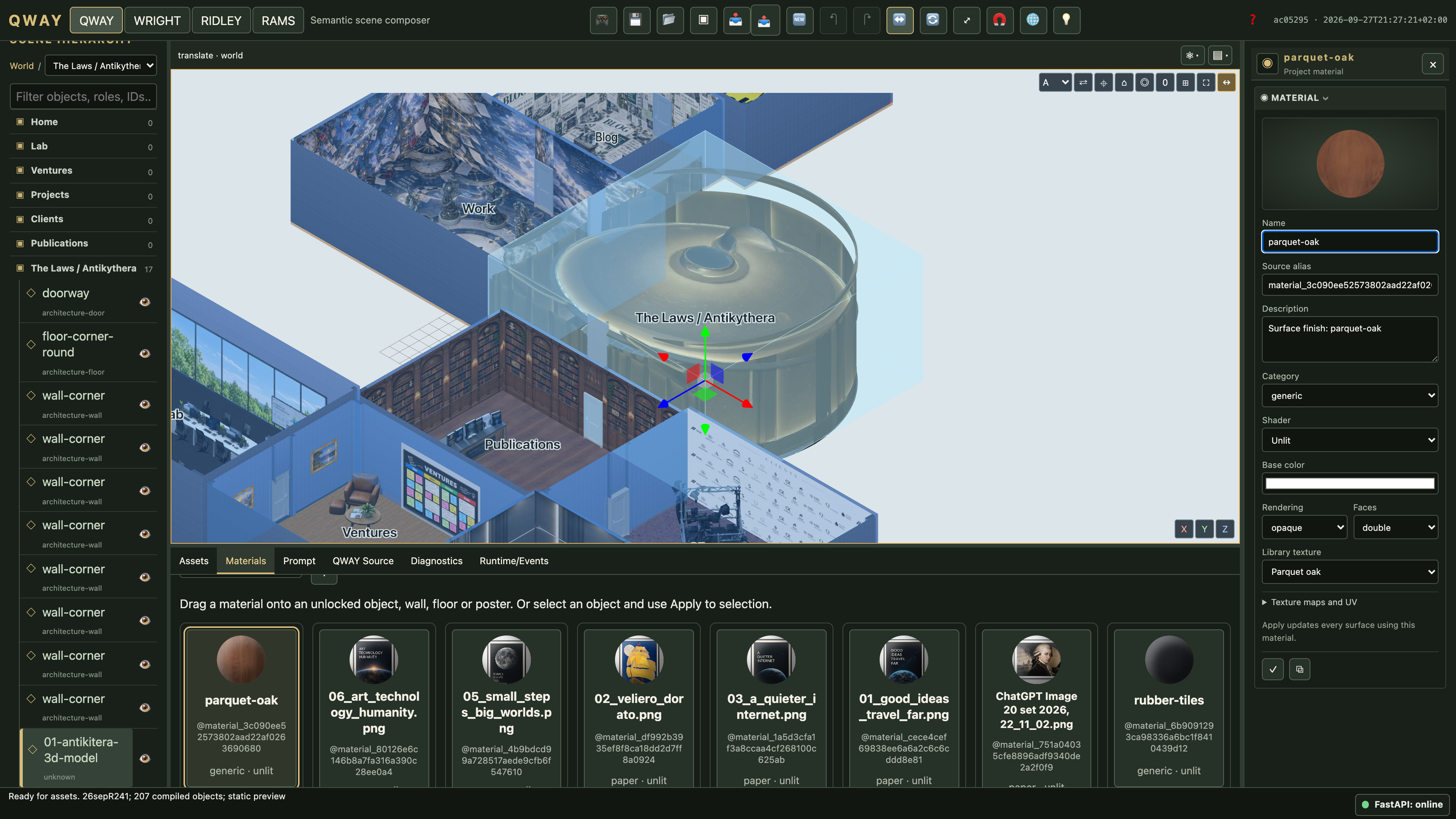
Material inspector
Selecting a material opens its preview and properties in the right inspector. Open 4K image
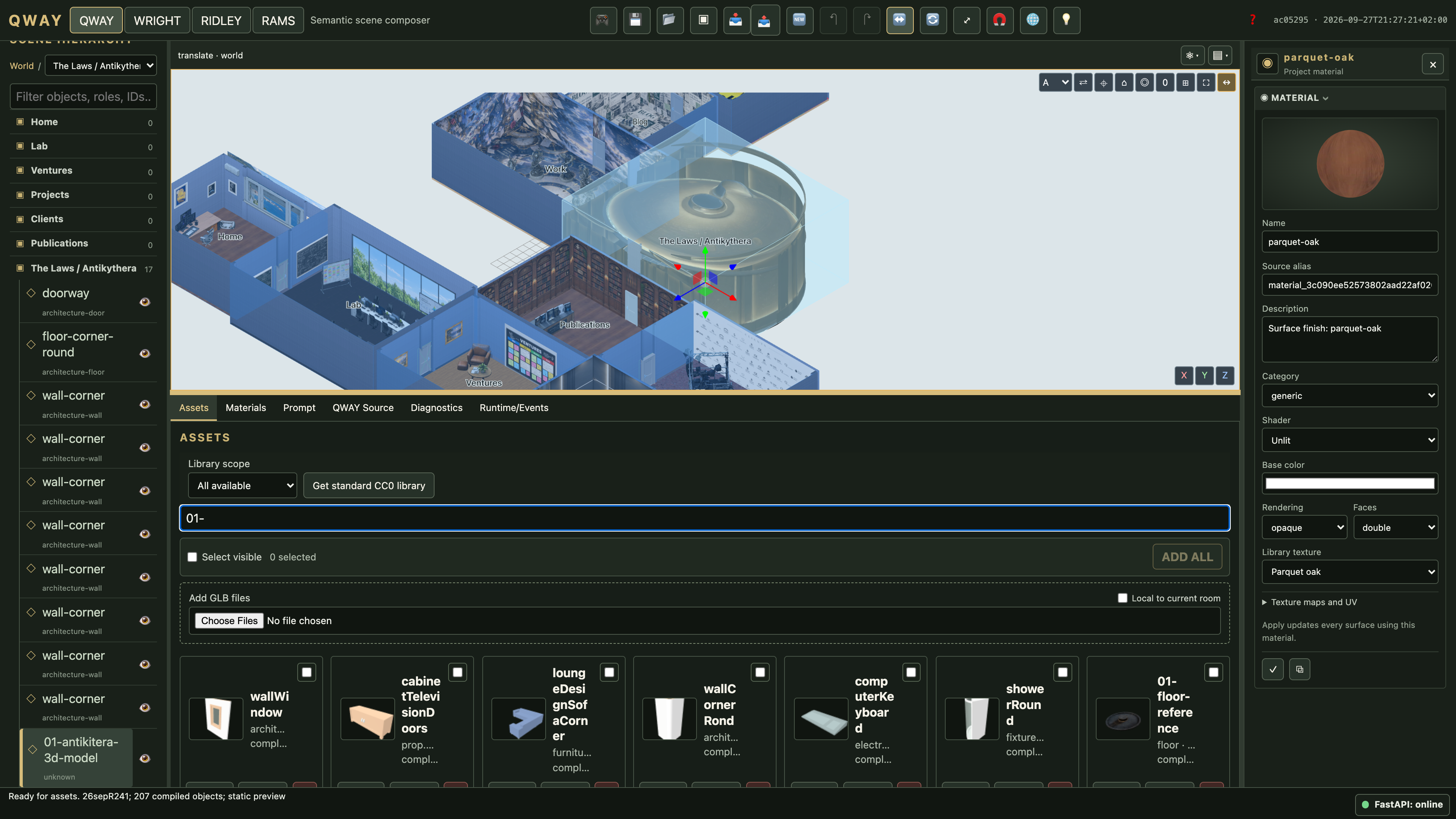
Asset library
Assets available to the current project, with search and import controls. Open 4K image
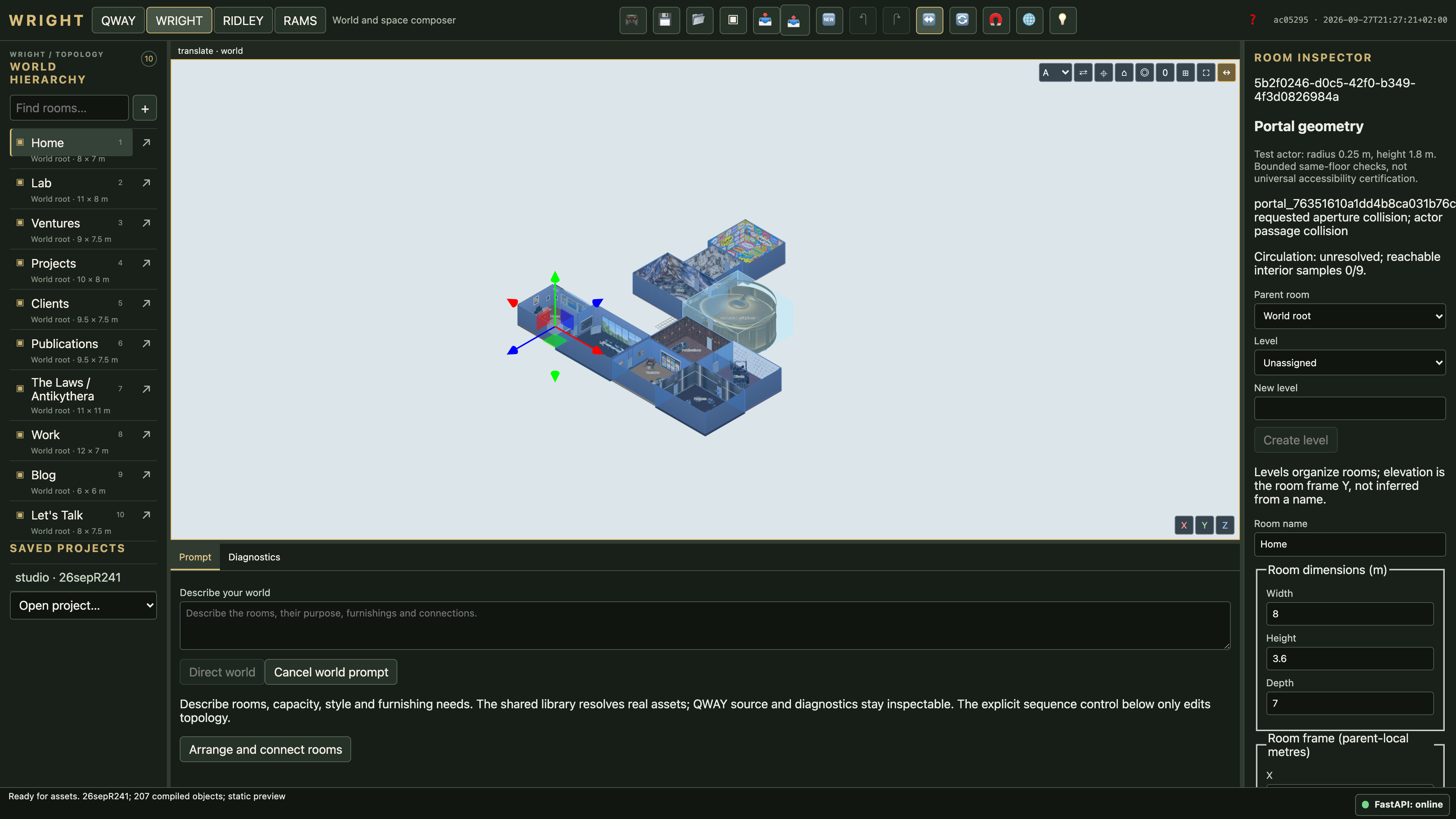
WRIGHT room inspector
The complete ten-room world and the selected Home room. Existing portal diagnostics remain visible. Open 4K image
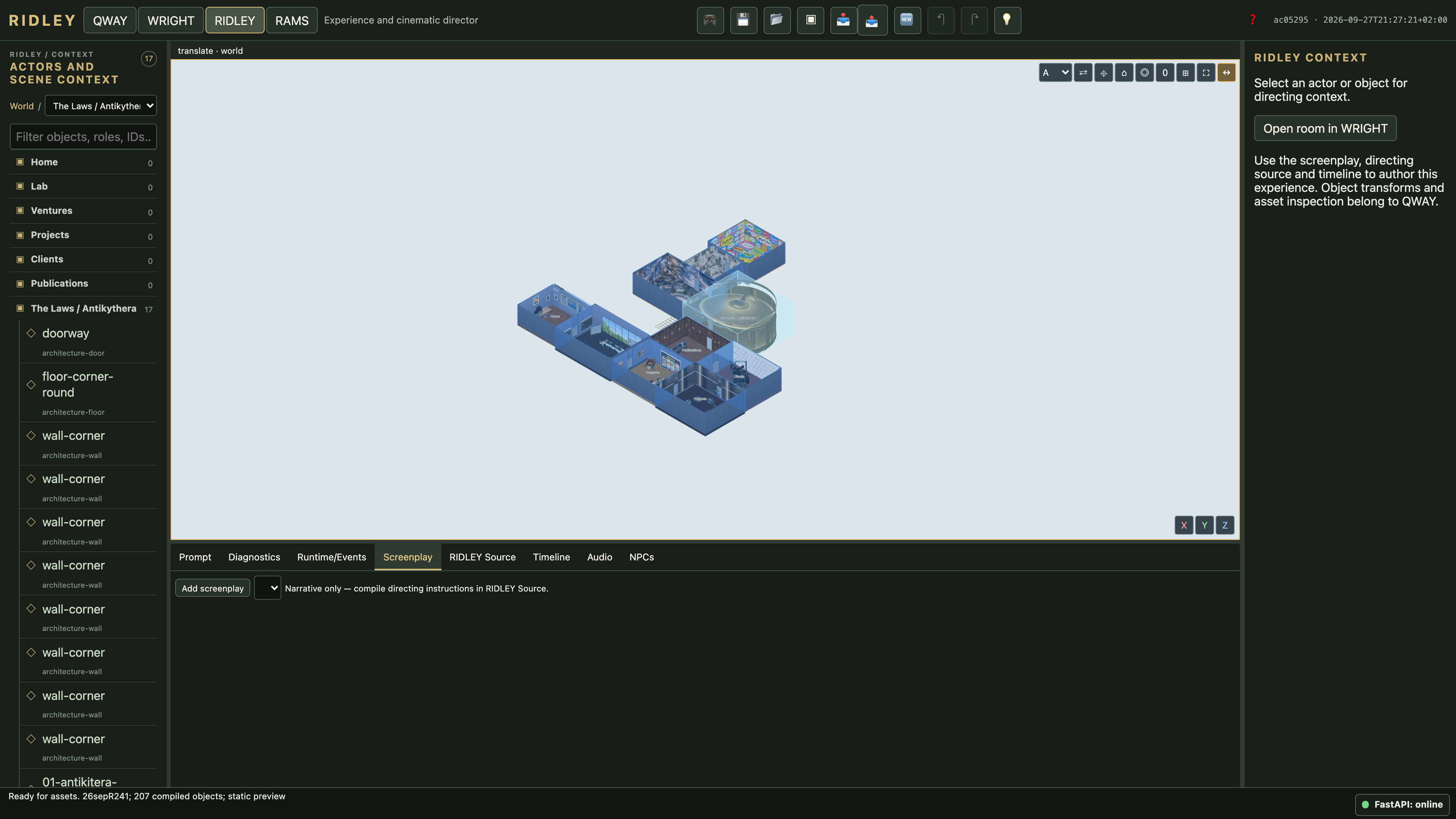
Screenplay workspace
The narrative screenplay panel. This project has compiled directing source but no separate screenplay document selected. Open 4K image
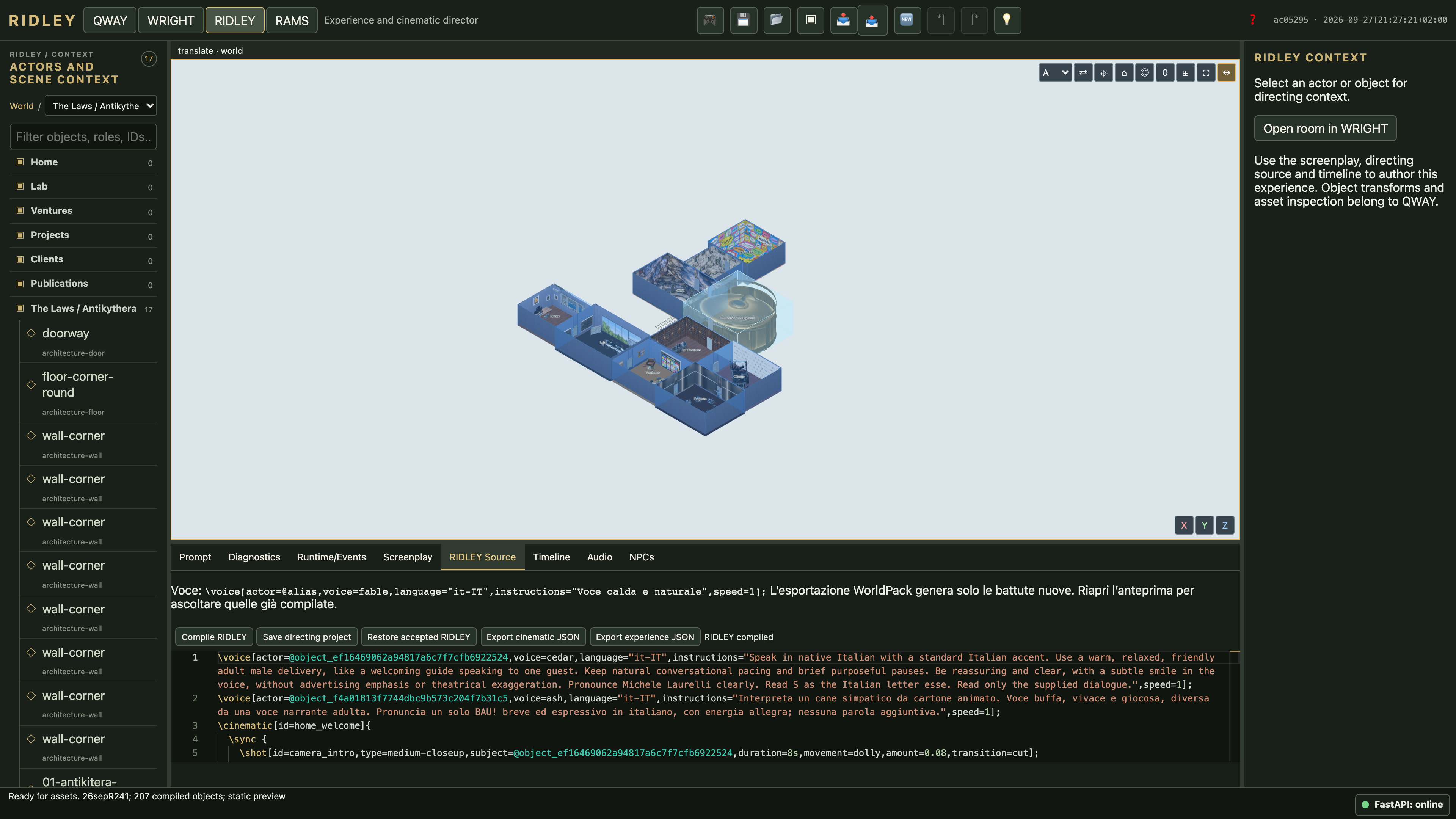
RIDLEY Source
Voice declarations and cinematic instructions in the current project. Open 4K image
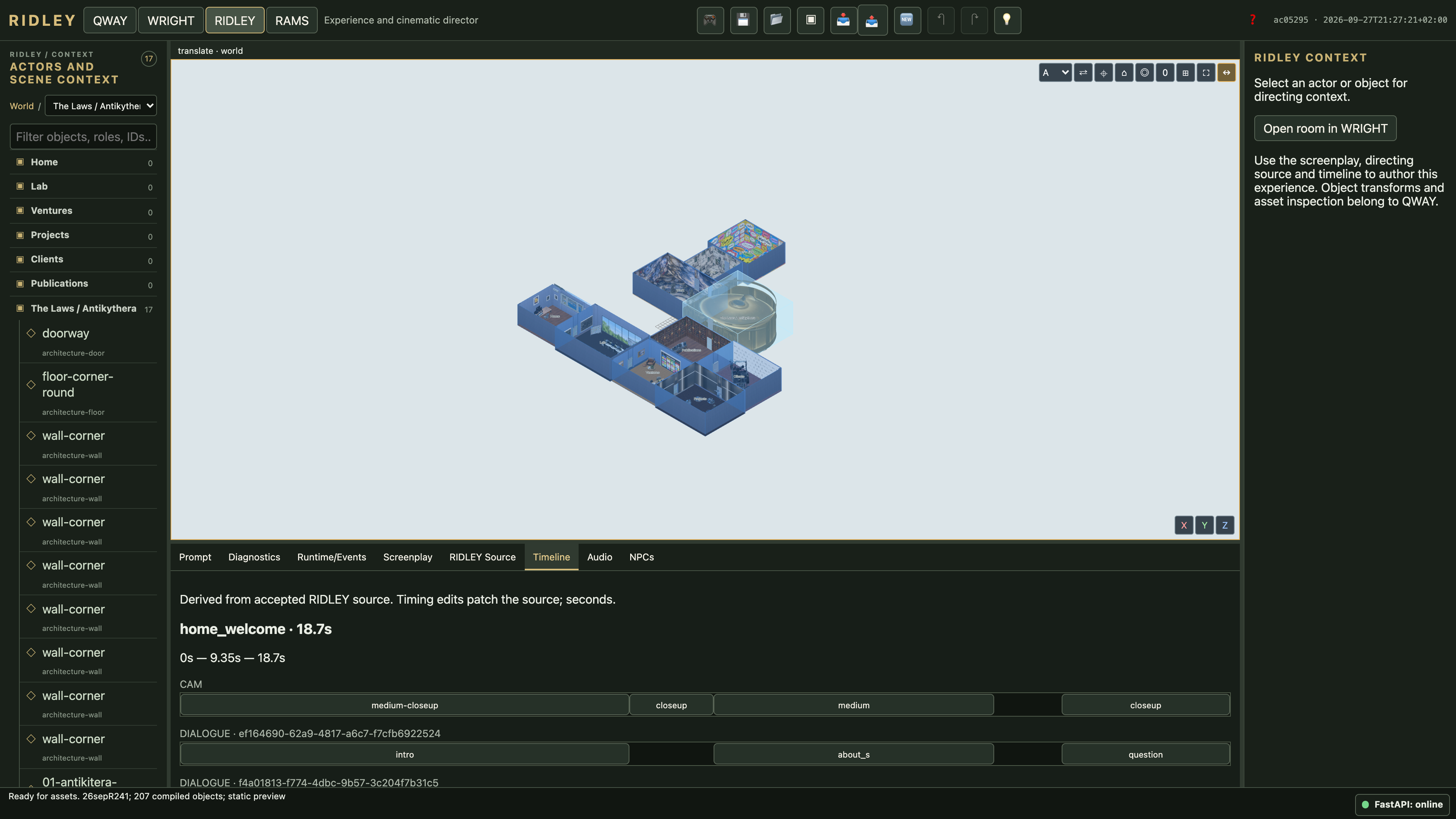
Timeline
The compiled welcome sequence and its timing. Open 4K image
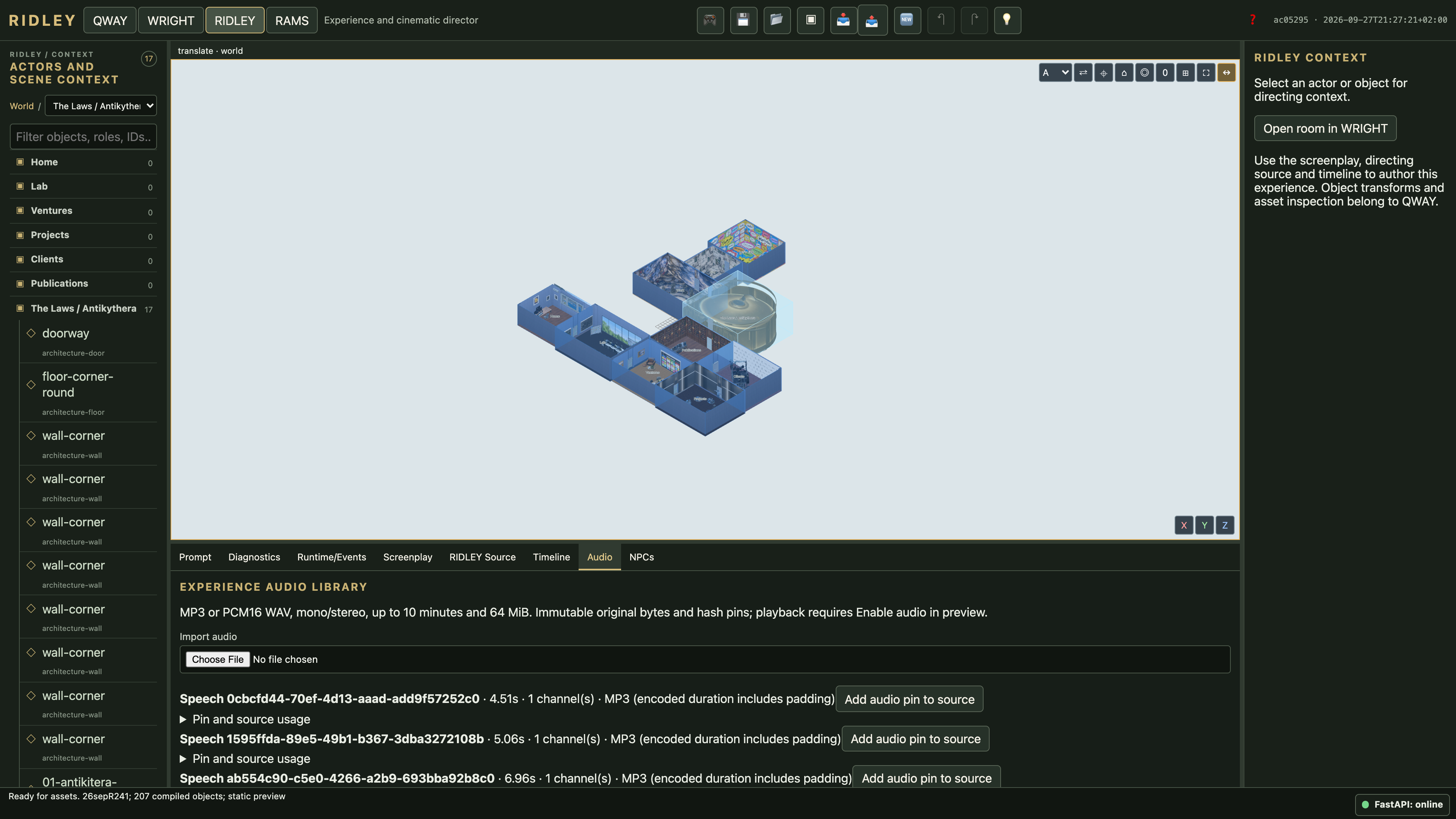
Audio library
Existing speech recordings in the project audio library. Open 4K image
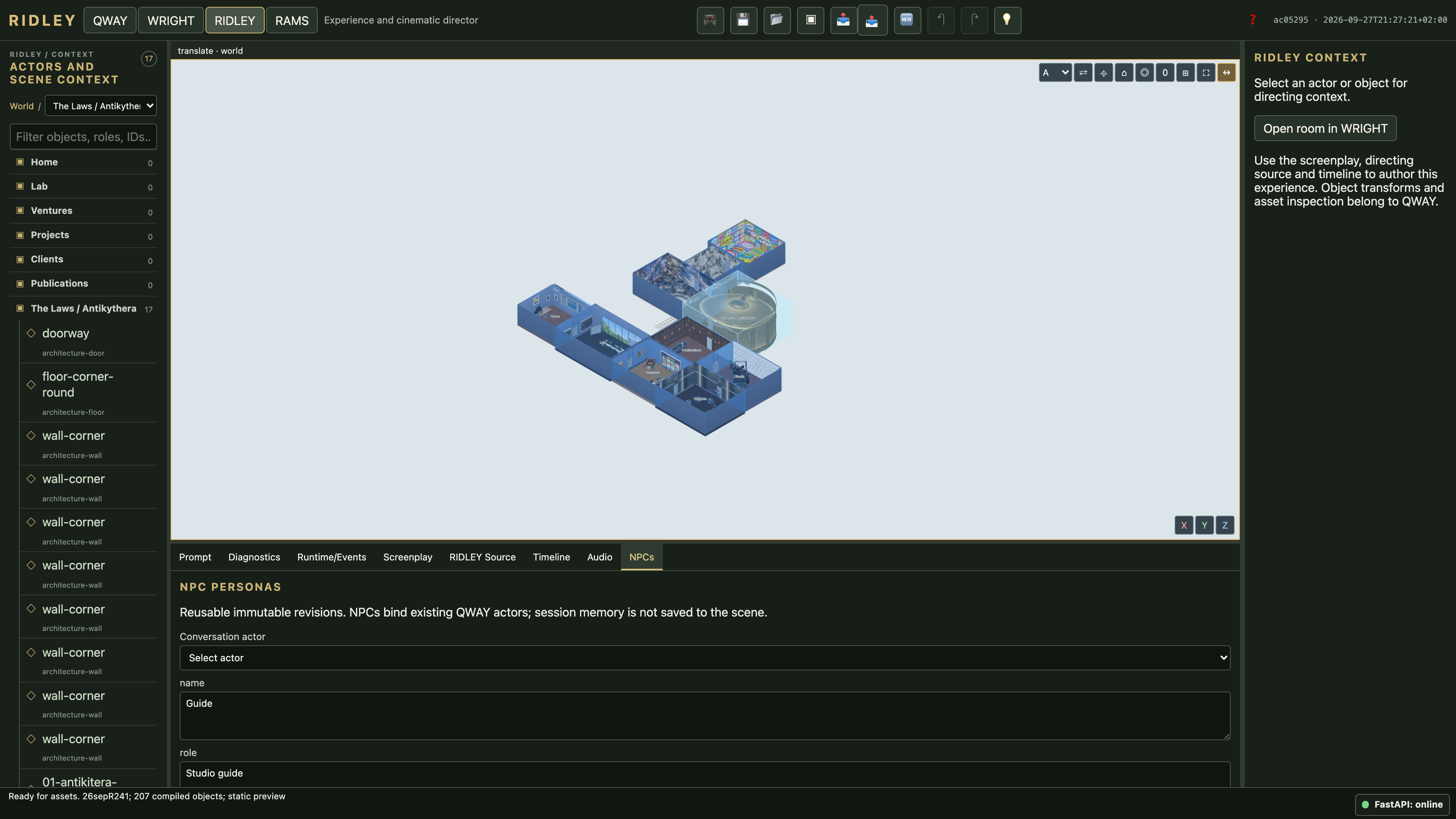
NPC personas
The persona panel before selecting an actor. Open 4K image
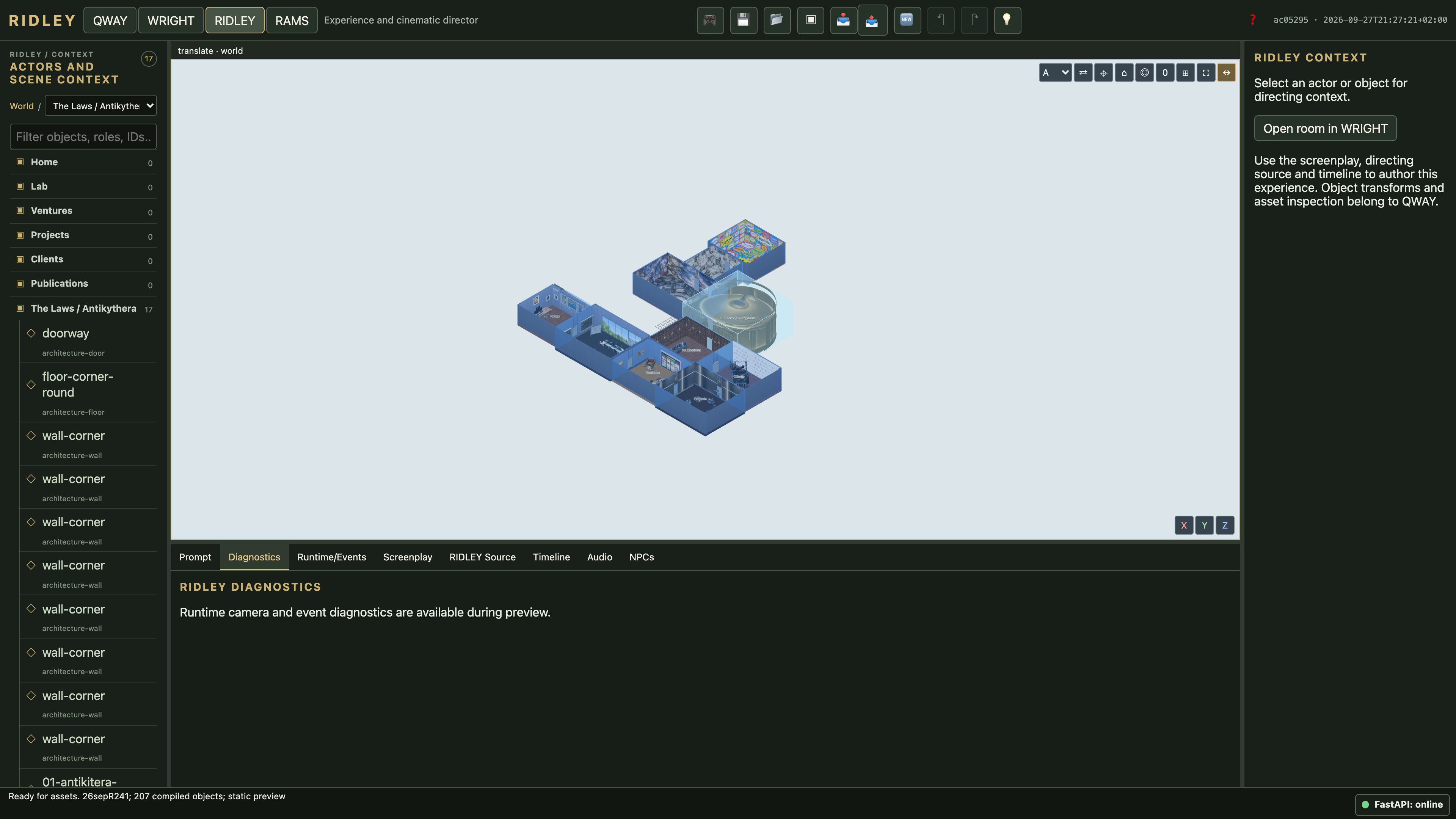
RIDLEY diagnostics
The diagnostics panel in editing mode; runtime diagnostics require playback. Open 4K image
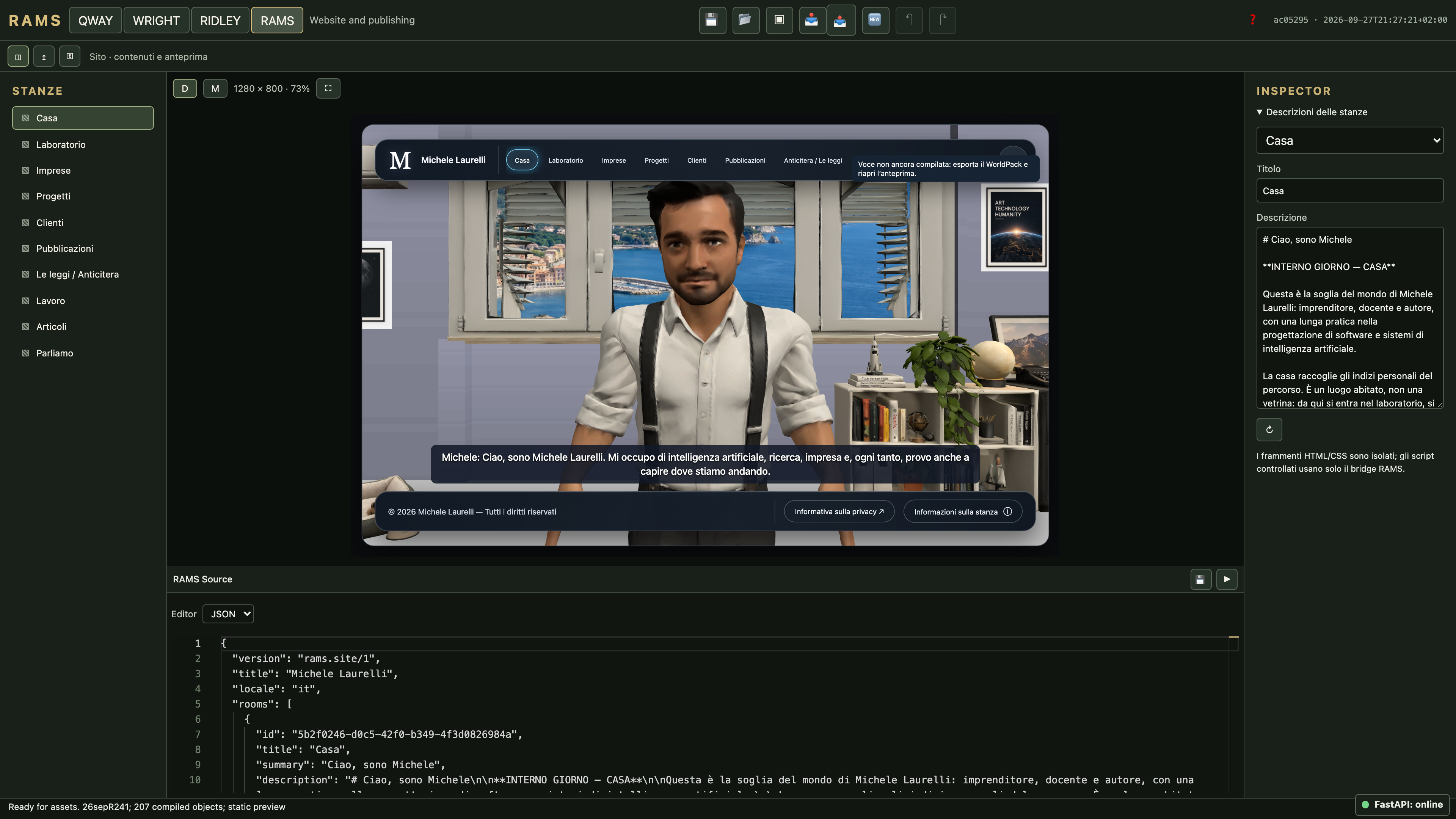
RAMS desktop preview
The complete visitor site rendered at 1280 × 800 CSS pixels and scaled to fit. The existing uncompiled-voice warning is shown; this image does not verify audio playback. Open 4K image
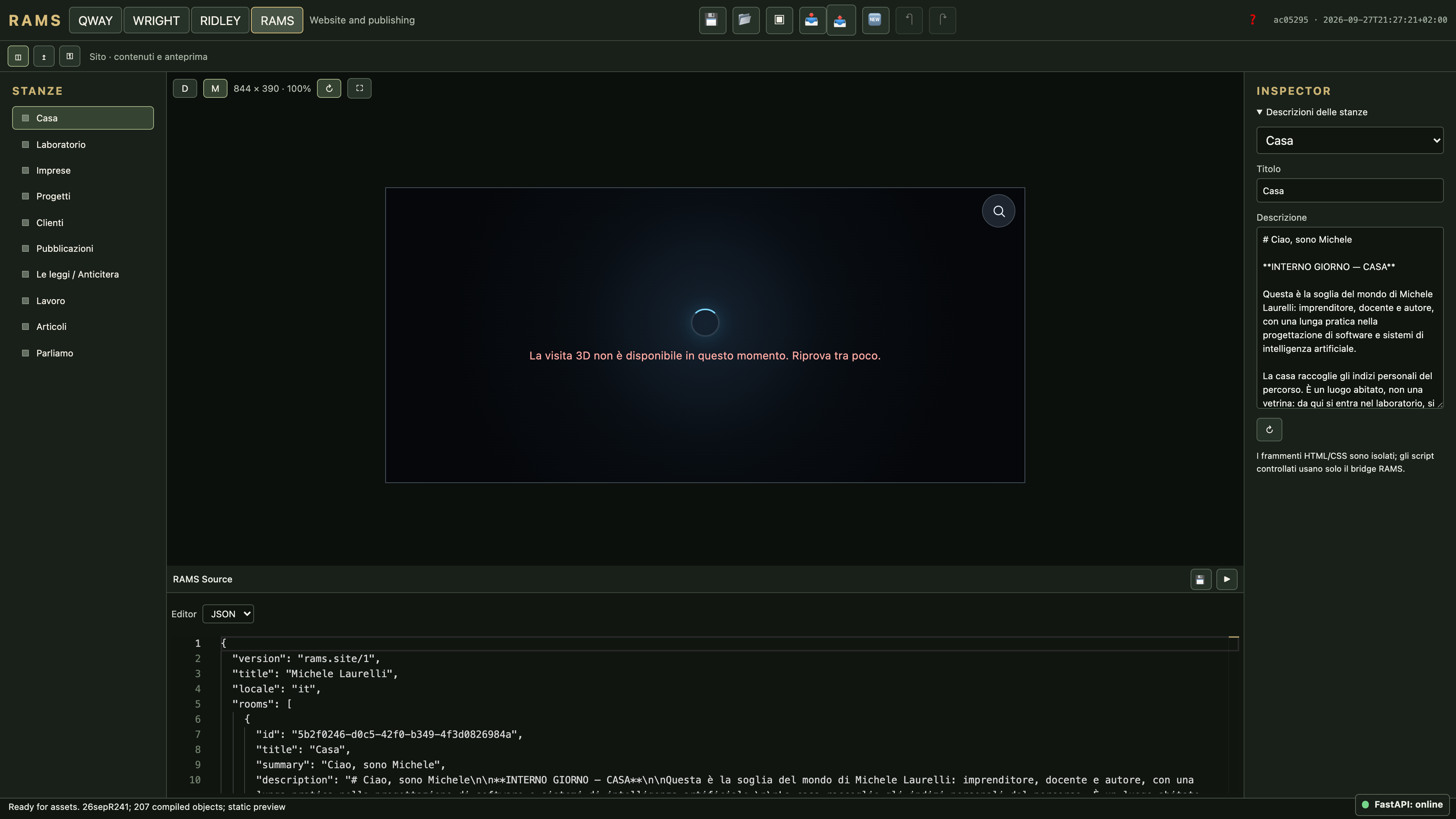
RAMS landscape mobile preview
The 844 × 390 landscape device preview. This project exceeds WORLD_RESIDENCY_BUDGET with original resources; the displayed failure is documented, not a completed mobile render. Open 4K image
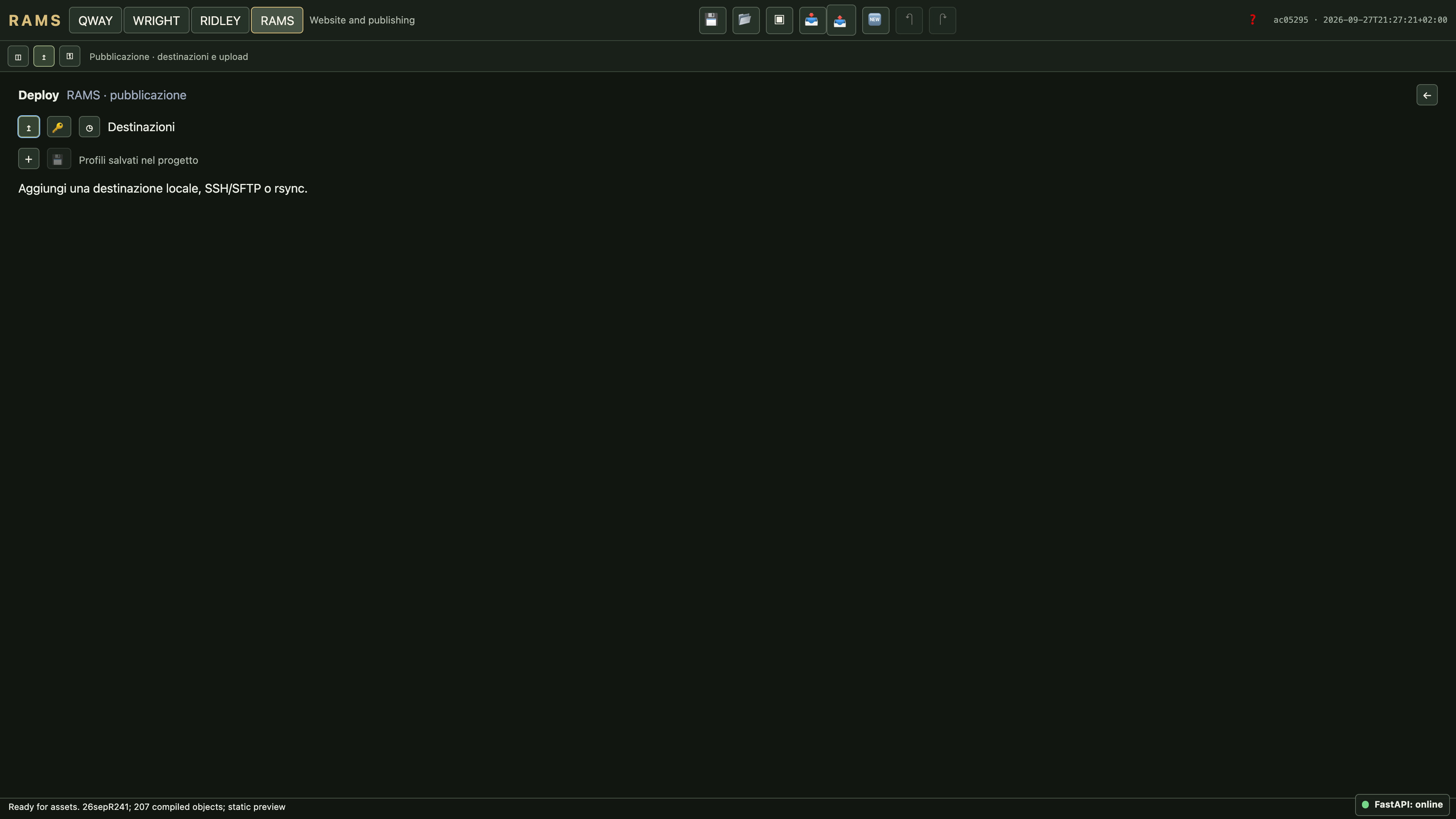
RAMS Deployment Manager
Publishing controls belong to RAMS. No release is uploaded during documentation capture. Open 4K image
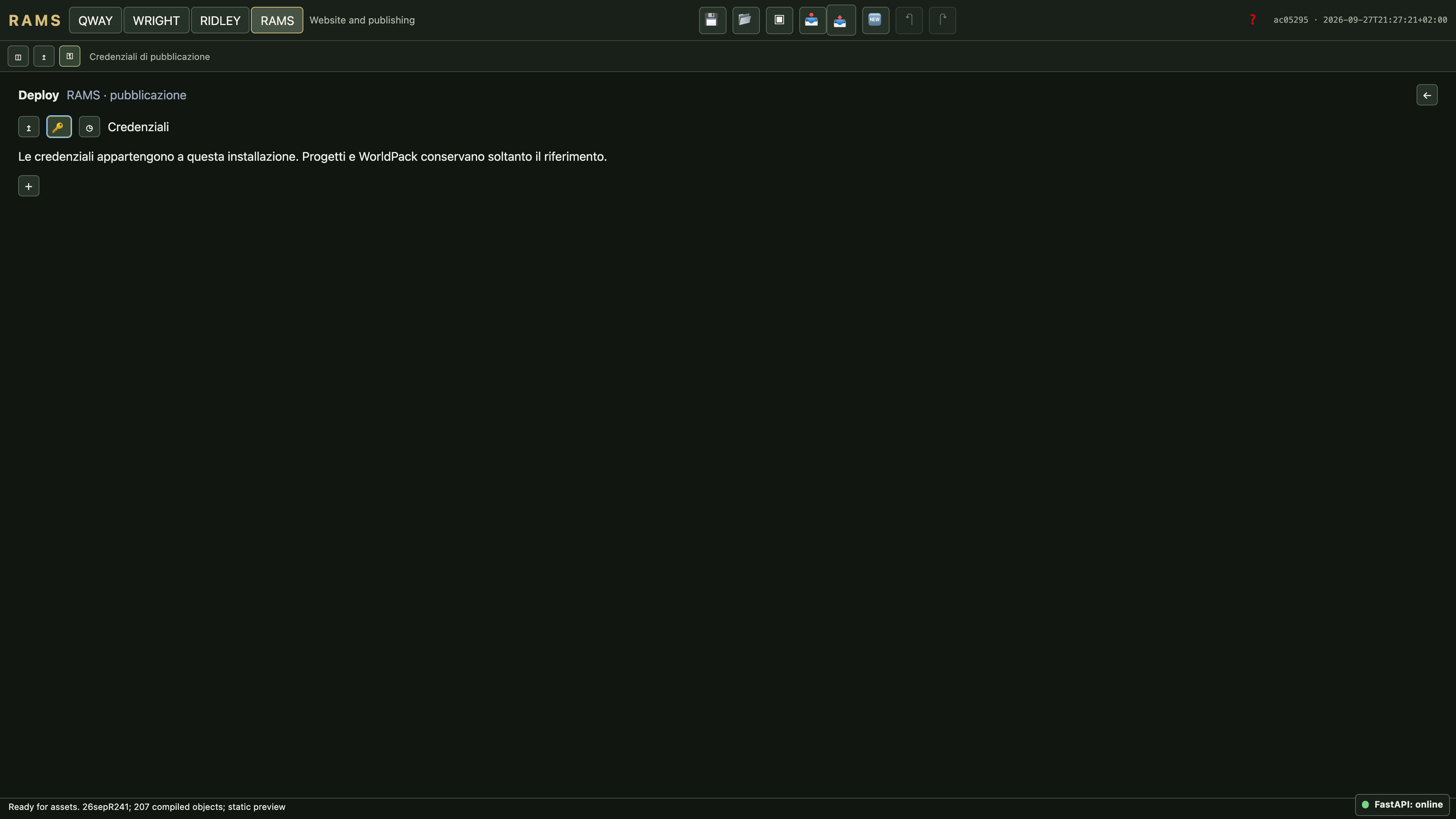
RAMS credentials
Credential settings in the isolated workspace, without real secrets. Open 4K image